It's DISMAL, I know - boring colours, flat composition. Not much to be done with it, but scroll down anyway to see the effect of cropping , increasing the colour saturation, and clicking on two Photoshop filters called Rough Pastel and Angled Strokes, You can choose settings for these filters but they show up right away and you can play with different ones.
These notes are not intended as tutorials but to show what can be done easily, and with other editing programs as well.
Simple improvements are really quick once you are familiar with a few tools. and for the creatively inclined, the sky really is the limit.
A nice moment from Senka, my daughter's visit to Corfu with Biba, but who needs all the rubbish in the background? It was there, right? Yes, but so what - it wrecks the picture. Out comes the clone stamp and in about twenty minutes we have a picture. Photoshop is of course the senior editor, but others can do this sort of thing. All digital images can do with a little 'sharpen', and usually a little 'crop'
Please scroll down for the improved picture. I might just mention that Google's Picasa system of organizing pictures is very good, and free.
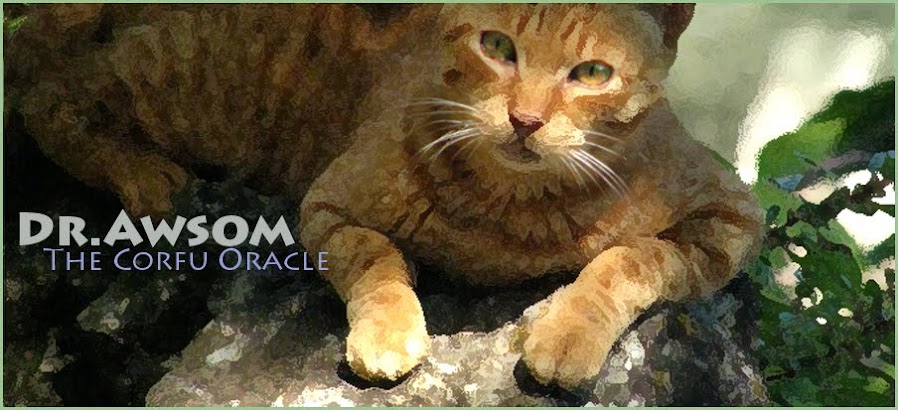
 , increasing the colour saturation, and clicking on two Photoshop filters called Rough Pastel and Angled Strokes, You can choose settings for these filters but they show up right away and you can play with different ones.


