Showing posts with label digital photography. improving photographs.. Show all posts

Tuesday, January 5, 2010

Jerry - the portrait


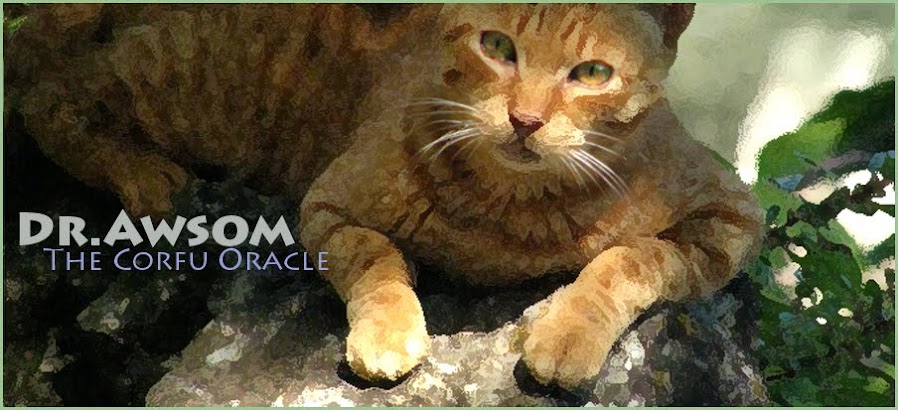
This lovely kitten was as laid back as he looks. Notice the flexing of his claws, this is a sign of recognition with many cats. Another cat Smokey, who has commissioned a portrait for this blog, has the habit of stretching and leaning against a wall or post as a means of saying hello, Porgy 'speaks' .


This picture was cropped to emphasize the eyes (and that little foot) a small amount of sharpening and saturation increase was all that was needed before a Photoshop filter was applied (Angled Strokes) to simulate the brushwork of a painting. Oh!, i forgot, the eyes were brightened and the saturation increased vbery slightly. The claw did not need sharpening......... However most digital images can do with a small amount of sharpening as a matter of course Filter >sharpen. done. 'Smart Sharpen' and 'Unsharp Mask' can be tried with images that seem to lack crispness. It takes seconds to see what they do.
Posted by Picasa

Monday, December 28, 2009

The Sky's the Limit

It's DISMAL, I know - boring colours, flat composition. Not much to be done with it, but scroll down anyway to see the effect of cropping, increasing the colour saturation, and clicking on two Photoshop filters called Rough Pastel and Angled Strokes, You can choose settings for these filters but they show up right away and you can play with different ones. 


 These notes are not intended as tutorials but to show what can be done easily, and with other editing programs as well.


Simple improvements are really quick once you are familiar with a few tools. and for the creatively inclined, the sky really is the limit.
Posted by Picasa
Reblog this post [with Zemanta]
The 'saturation' was increased just enough not to cause noise (white specks around the place), and the colour balance was tweaked a bi for a brighter red.   The 'text' tool provided the letters and the shadowy forground was 'selected' with the Wand tool. a 'path' was created with an easy click and then the text was typed out to follow the path.  Its fun to play with text, and later versions of Photoshop are a pleasure to use.

Posted by Picasa
Reblog this post [with Zemanta]

Tuesday, December 22, 2009

Role(up) Model - mark 2


Now the 'lines' that connect Senka and Biba are clean and the only addition to the composition is....... the clue is in the title, not all of you know what a synical sense of humour Dr.Awsom has. This picture needed no cropping to speak of, but this is always the first thing I look at when opening an image for editing. It is by far the easiest, and easily the most important action you can take to improve a picture. More later when a crop has been required. 


Richness of detail and texture is (or can be) GOOD 


Distractions that compete strongly with the subject are BAD.


Clone Stamping? This is a Photoshop tool whereby you paint over areas you don't want to see with something copied from somewhere else in the picture (or even another picture open at the same time)


Biba's ciggy was copied, rotated and pasted between her innocent and dainty little fingures from her mothers niccotine-stained mitt. Now you know why I live in Greece and she lives in England!